Guides
Browser FPS games: everything about free first-person shooters that run in a tab
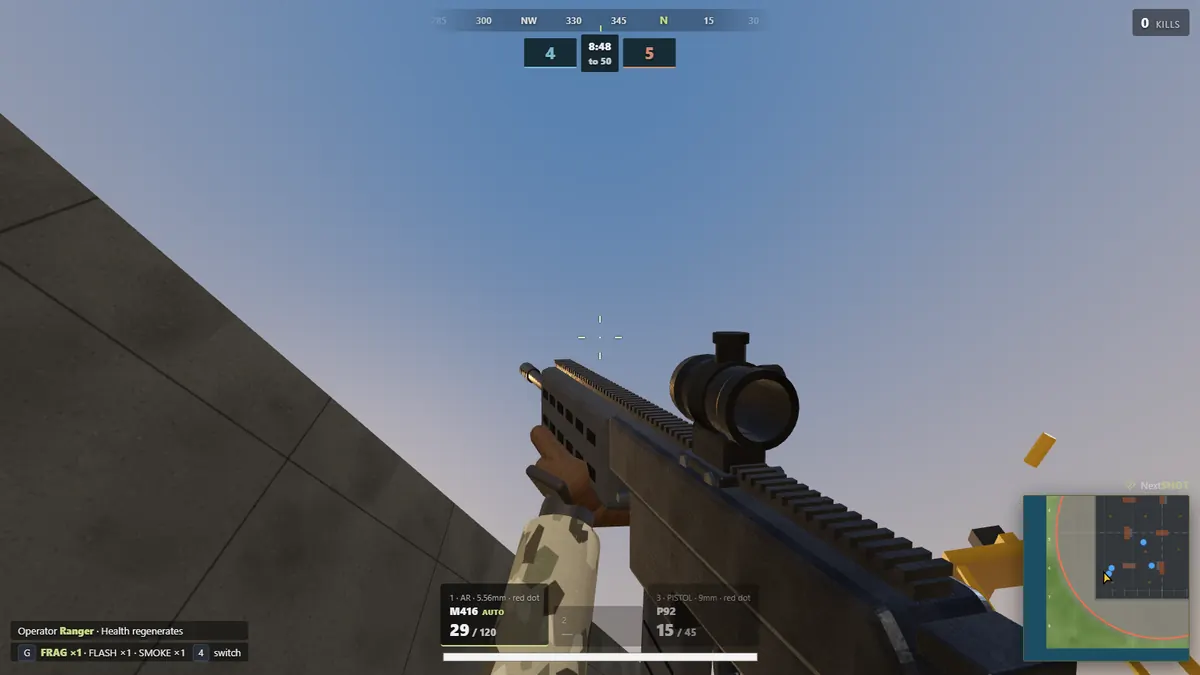
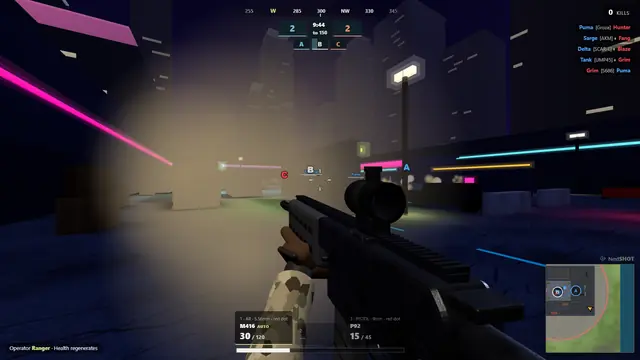
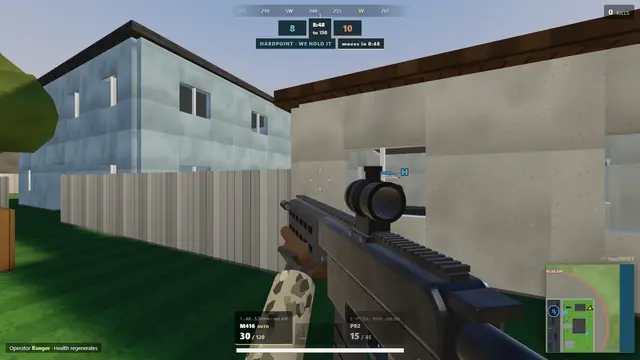
A browser FPS game is a first-person shooter that runs inside Chrome, Firefox, Safari or Edge, with nothing to install, usually nothing to sign up for, and nothing to pay. You open a tab, you are in a match. Ten years ago that meant a Flash toy. Today it means real multiplayer shooters with recoil, objective modes, private rooms and tens of thousands of people online.
This page is the starting point: what these games are, how they manage to run in a browser, the four kinds you will meet, what your machine needs, and where to go from here. We make one of them, Lobbystrike, and we will be clear about where it fits and where it does not.
How a browser FPS runs with no download
Modern browsers can talk to the graphics card through WebGL (and, increasingly, WebGPU), run compiled code at near-native speed through WebAssembly, and hold a low-latency connection to a game server through WebSockets or WebRTC. A browser FPS uses all three: the 3D scene is drawn by your GPU, the game logic runs in the tab, and the server keeps every player in sync. The "download" still happens, it is just a few megabytes of assets that stream in while the menu loads, cached for next time.
What that buys you: no installer, no launcher, no admin rights, no 40 GB on disk, and the same game on Windows, macOS, Linux and Chromebooks. What it costs: browser games cannot match a 100 GB console release for detail, and they depend on the browser being allowed to use the graphics chip, which is the single most common cause of a browser shooter running badly.
The four kinds of browser FPS
| Type | What it plays like | Examples |
|---|---|---|
| Arena .io shooters | Tiny maps, instant respawns, classes or skins, matches in minutes | Krunker, Shell Shockers, Kour.io, Kirka.io, Venge.io, Ev.io |
| Military shooters | Real guns, aim-down-sights, objective modes, slower pace | Lobbystrike, Deadshot.io, Bullet Force, War Brokers |
| Tactical round-based | Bomb defusal, no respawns, buy phases | Forward Assault Remix, Lobbystrike (Search & Destroy) |
| Browser battle royale | Drop, loot, shrinking zone, last one standing | Lobbystrike, ZombsRoyale.io (2D), 1v1.LOL, War Brokers |
Most players settle into one type. If you are not sure, the 12 best browser FPS games list ranks the strongest game in each.
Where Lobbystrike sits
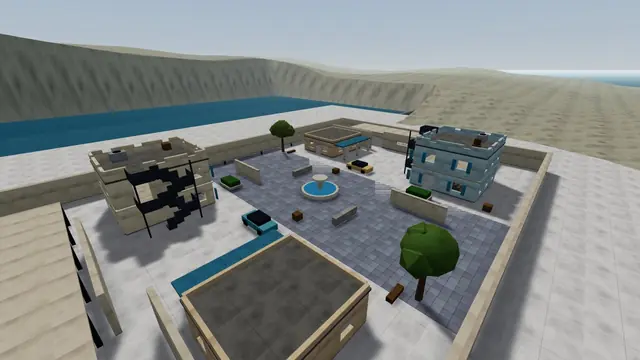
Lobbystrike is a military browser FPS that also covers the other three types. It has 22 weapons with their own recoil, damage and reload, attachments and optics up to 8x; 23 modes, from Team Deathmatch and Domination to Search & Destroy, Gunfight 1v1, Gun Game, Infected, a co-op Wave Survival and a 20-player Battle Royale; and 48 maps, from a training hangar to islands. Rooms hold up to 64 players, lock with a password, and take up to 60 bots that play the objective. No account, no install.
It is not the biggest community (Krunker is) and its public rooms lean on bots at quiet hours. It is the browser FPS with the widest set of modes and the most realistic guns, and the one to pick when you want to play with your own group in your own room. The weapons guide and maps guide go into detail.
What your computer needs
| Need | Detail |
|---|---|
| A current browser | Chrome 110, Firefox 115, Edge 110, Opera 96, Brave or Safari 16.4, or newer |
| WebGL 2 | On by default in all of the above; a managed device may have it switched off |
| Graphics acceleration on | If a game runs at 10 frames per second in Chrome and 60 in Firefox, this is off: see fix low FPS in Chrome |
| A mouse | Trackpads work for menus, not for firefights |
| A stable connection | Latency matters more than bandwidth; a browser FPS uses less data than a video call |
Integrated graphics are fine. A MacBook Air, a mid-range Chromebook or a five-year-old office laptop runs most browser shooters on a lower preset. There is a laptop and Chromebook guide and a list of free FPS games for Mac. Phones and tablets get touch controls in Lobbystrike and a few others, but a browser FPS is a keyboard-and-mouse game first.
Free, really?
Every game named on this page is free to play. The business model is cosmetics, ads around the page, or in Lobbystrike's case an optional pack of extras. None of them require a purchase to play any mode. Be wary of sites that re-host these games under their own name with "unblocked" in the title: they are usually ad farms, and on a managed school or work device, reaching them means getting around a filter, which this site does not help with.
Which browser FPS to open first
- You want a real match with real guns in under a minute: Lobbystrike or Deadshot.io.
- You want the biggest crowd and the fastest movement: Krunker.
- You want to play with friends in a private room: Lobbystrike or Shell Shockers; see browser FPS games to play with friends.
- You want bomb defusal: Lobbystrike's Search & Destroy or Forward Assault Remix; see Counter-Strike in your browser.
- You want battle royale: browser battle royale games.
- You want to practise alone: a Lobbystrike private room with bots; see a browser FPS with bots.
Coming from a particular game?
We keep lists for the games people arrive from: games like Call of Duty, games like Fortnite, games like PUBG, games like Valorant, Krunker alternatives, Deadshot.io alternatives, games like Shell Shockers and games like 1v1.LOL. Each says honestly what the browser game does and does not replace.
Every game named here other than Lobbystrike is made by its own developer and is not affiliated with us. Browser versions and features were checked in October 2026.
Questions and answers
What is a browser FPS game?
A first-person shooter that runs inside a web browser using WebGL and WebAssembly, with no installer. You open a page and play; the game's assets stream in and are cached. Examples include Lobbystrike, Krunker, Deadshot.io and Shell Shockers.
Are browser FPS games free?
The ones on this page are. They earn money from cosmetics or ads and do not charge to play. Lobbystrike needs no account at all.
Do browser FPS games work on a Mac or Chromebook?
Yes, in any current browser with WebGL 2, which includes Safari 16.4 and newer, Chrome, Firefox and Edge. Integrated graphics are enough on a lower preset. Managed school devices may block games; the game cannot bypass that.
Why is my browser FPS running at 10 frames per second?
Almost always because the browser is not using the graphics card. In Chrome, open chrome://settings/system and turn on graphics acceleration, then relaunch. Lobbystrike detects this and shows a fix button on its start screen.