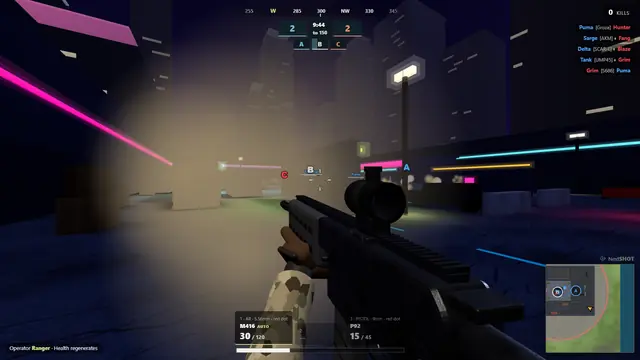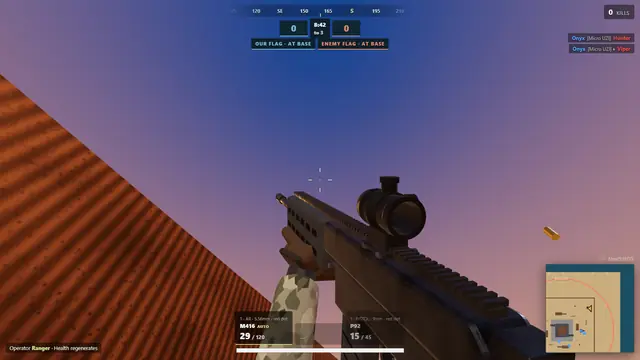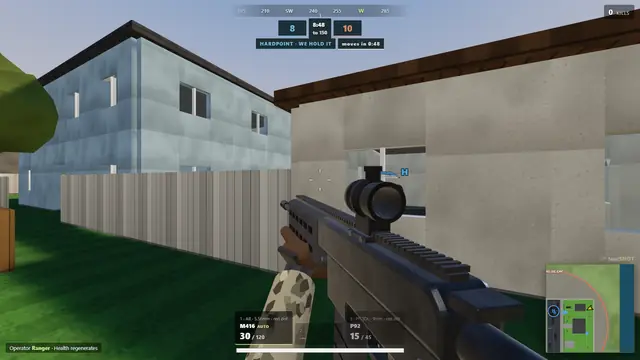
One room for your squad
Open the game and pick a player name. Create a room instead of joining a public match, then choose the map and mode. A room can hold up to 64 players; your connection and the host server determine how smoothly a large match runs. You do not need to create an account to start playing.
Share the invitation
Send your friends the room invite link or the room code shown in the lobby. They must connect to the same game server. Add a password if you want to restrict who joins, and share that password separately with your group. The Play buttons on this website open the hosted lobby, not a preconfigured private match.
A small squad can still play
Use the lobby bot controls to add opponents or fill out the match. There are three bot skill levels and a configurable bot count up to 60. Start small while everyone joins, then adjust the match to suit your group. Bots are useful for learning a map before playing against friends.
Choose the kind of evening
Team Deathmatch keeps the action moving with respawns. Gunfight offers 1v1 or 2v2 rounds with equal random loadouts. For an objective, try Search and Destroy or Capture the Flag. Wave Survival puts your group on the same side against twelve waves of bots. Mode and map availability is shown in the game lobby.
Before you join
Lobbystrike plays best on a desktop or laptop with a keyboard, a mouse and a current WebGL 2 browser. Phones and tablets get on-screen touch controls. The hosted game needs an internet connection. Performance depends on your device, settings and connection. Play opens the game lobby; choose your mode there.