Top lists
The best free FPS games for Mac, with no download
Shooters on a Mac have always been a short list, and it got shorter. Counter-Strike 2 dropped macOS support in 2023. Valorant, Apex Legends, Overwatch 2 and Warzone never came. Fortnite's native Mac build has been frozen for years. If you search for "FPS games for Mac" you get lists of five-year-old Steam ports and a lot of "use Boot Camp", which Apple silicon cannot do.
The honest answer in 2026 is that the best free FPS games for a Mac run in the browser. They need no install, they do not care whether you are on Intel or Apple silicon, and the good ones are real multiplayer shooters, not toys. Here they are, followed by the few installable free shooters that still work on macOS.
Why browser shooters are the answer on a Mac
- They run in Safari, Chrome and Firefox on any Mac from the last several years, with no Rosetta, no Boot Camp and nothing to update.
- They are light. A MacBook Air with integrated graphics runs them well, especially on a Performance preset.
- They are free, and most need no account.
- They do not need a Windows anti-cheat driver, which is what keeps Valorant and its kind off macOS for good.
1. Lobbystrike
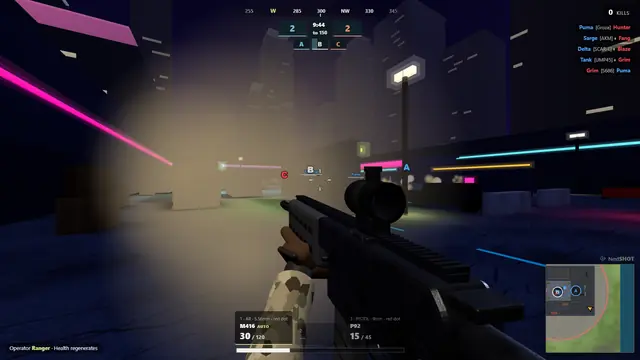
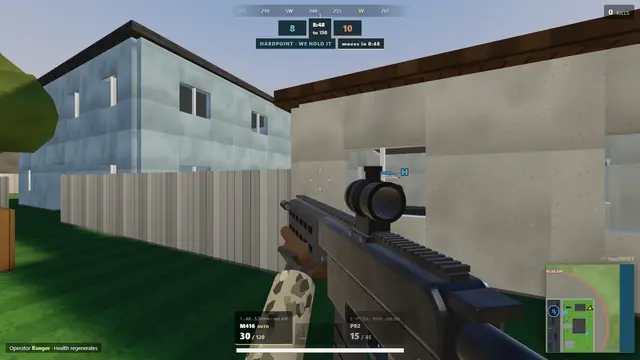
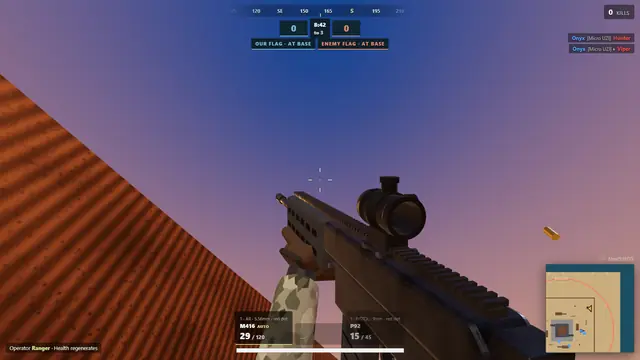
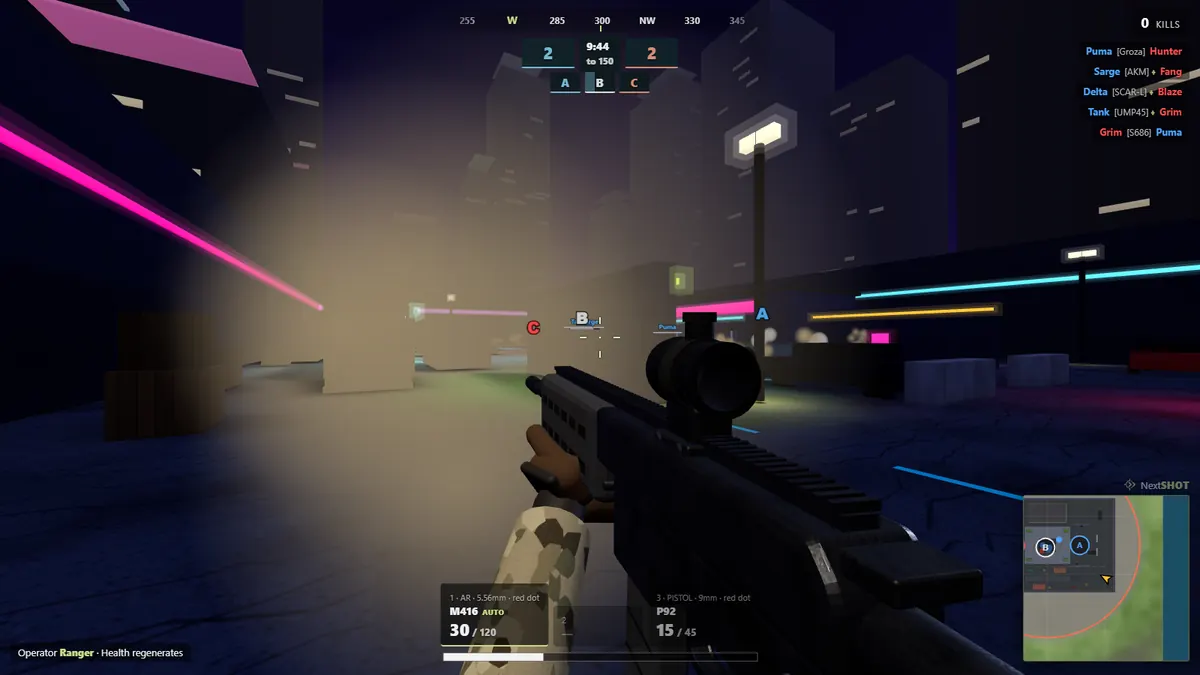
Lobbystrike is ours, and it was built with Macs in the test rotation. It is a first-person military shooter with 22 weapons, 23 modes and 48 maps that runs in Safari 16.4 or newer, Chrome, Firefox or Edge, on Intel and Apple silicon alike. Team Deathmatch, Search & Destroy, Domination, Hardpoint, Gunfight 1v1, Gun Game, a 20-player Battle Royale and a co-op Wave Survival, in private rooms with passwords and up to 60 bots.
On a MacBook Air it runs on the Performance preset without fuss; on a MacBook Pro or an iMac you can turn the graphics up. The game checks whether your browser is using the graphics chip when it opens and tells you if it is not. There is no account and nothing to install, which also means nothing to uninstall when you are done. The weapons guide and maps guide cover what is in it.
2. Krunker
The biggest browser FPS, and it runs on a Mac as well as it runs anywhere. Fast, class-based, with thousands of community maps. If you have a trackpad only, this is the game where you will most want a mouse.
3. Deadshot.io
Tight gunplay on small maps, Team Deathmatch, Domination and Hardpoint. Light enough for any Mac, competitive enough to keep you. Comparison in Lobbystrike vs Deadshot.io.
4. Shell Shockers
Eggs with guns. It will run on the oldest Mac in your house, and its private games are the easiest way to get a room of friends playing in under a minute.
5. Venge.io
Heroes with abilities, short objective matches, compact maps. A good change of pace, and easy on integrated graphics.
6. Bullet Force
Loadouts, attachments, killstreaks and ranks. The heaviest game on this list in the browser; fine on an M-series Mac, worth lowering settings on an older Intel one.
7. Kour.io
Simple, bright and nearly weightless. If a Mac struggles with everything else here, it will run Kour.
Free FPS games you can still install on macOS
Shorter every year, but not empty. Checked in October 2026:
| Game | Status on Mac | Notes |
|---|---|---|
| Team Fortress 2 | Native, free on Steam | The 64-bit update in 2024 kept it alive on modern macOS |
| Xonotic | Native, free, open source | Arena shooter in the Quake tradition, runs on anything |
| OpenArena | Native, free, open source | Quake III, essentially; small community |
| Counter-Strike 2 | Not supported | macOS support ended in 2023; the browser games above are the alternative |
| Valorant, Apex, Overwatch 2, Warzone | Not available | Windows-only anti-cheat or no port |
Cloud gaming is the other route: GeForce NOW and Xbox Cloud Gaming stream Windows games into a Mac browser. It works, with a good connection and the service's queues and limits. See playing Fortnite in a browser for how that goes.
Getting the most out of a Mac for browser shooters
- Use a mouse. A trackpad is fine for a menu and miserable for a firefight.
- Keep the lid open and the charger in. MacBooks throttle on battery and when they get hot.
- Check hardware acceleration in Chrome. If a game runs at 10 frames per second in Chrome and 60 in Safari, acceleration is off; the fix is in fix low FPS in Chrome.
- Close the other tabs. A browser game shares the GPU with everything else the browser is doing.
- Turn off "Low Power Mode" in System Settings while you play.
Every game here other than Lobbystrike is made by its own developer and is not affiliated with us. macOS support for installable games changes; we checked in October 2026.
Questions and answers
What is the best free FPS game for Mac?
For a game that needs no install, Lobbystrike runs in Safari, Chrome and Firefox on any Mac with 22 weapons and 23 modes, including a 20-player battle royale. Krunker and Deadshot.io are strong browser alternatives. Among installable games, Team Fortress 2 is still free and native on macOS.
Can you play FPS games on a MacBook Air?
Yes. Browser shooters such as Lobbystrike, Krunker, Deadshot.io and Kour.io run well on a MacBook Air's integrated graphics, especially on lower graphics presets. Use a mouse and keep the charger connected.
Does Counter-Strike 2 work on Mac?
No. Valve ended macOS support when CS2 replaced CS:GO in 2023. Browser games with bomb-defusal modes, such as Lobbystrike's Search & Destroy, are the closest no-install alternative.
Do browser FPS games work in Safari?
Lobbystrike works in Safari 16.4 and newer, as well as Chrome, Firefox and Edge. Most other browser shooters support Safari too, though a few perform better in Chrome.